Google Flow

@FlowbyGoogle

Hi👋 We're Google Flow, your AI creative studio. Follow along for product news and creative tips to bring your cinematic stories to life.


  1. #1

    Tools can have a huge impact on your creative output. Learn how using tools takes your projects to the next level. From pre-production or post-production, image or video generatio…

  2. #2

    Dropping our notebook doodles off on their first day of school. Wish them luck.

  3. #3

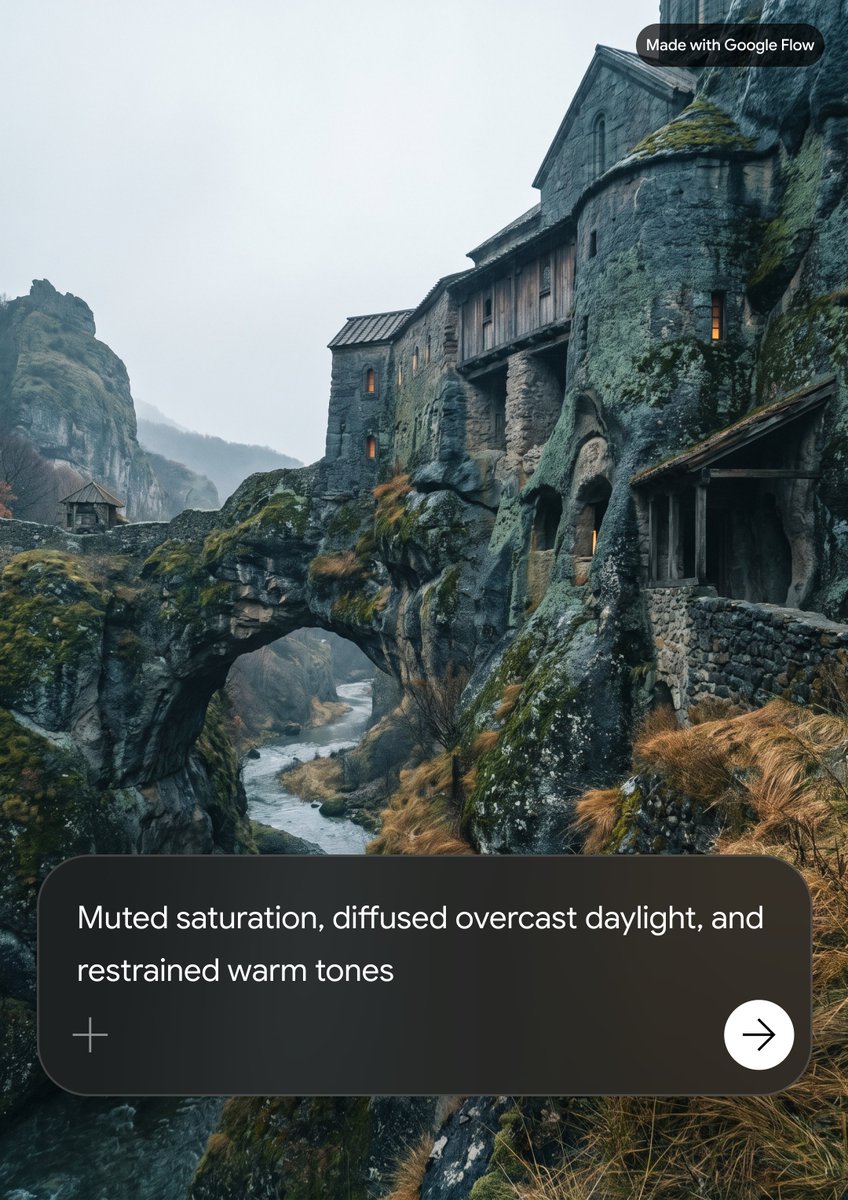
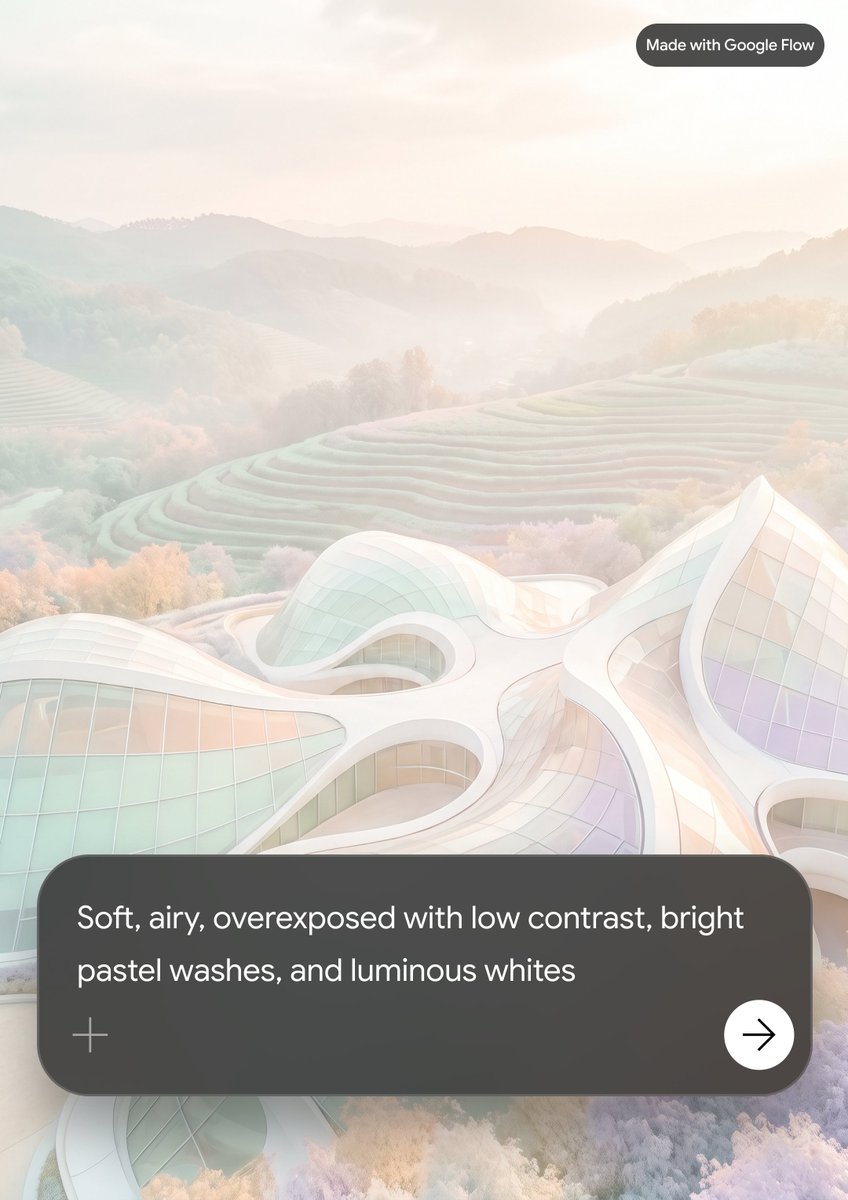
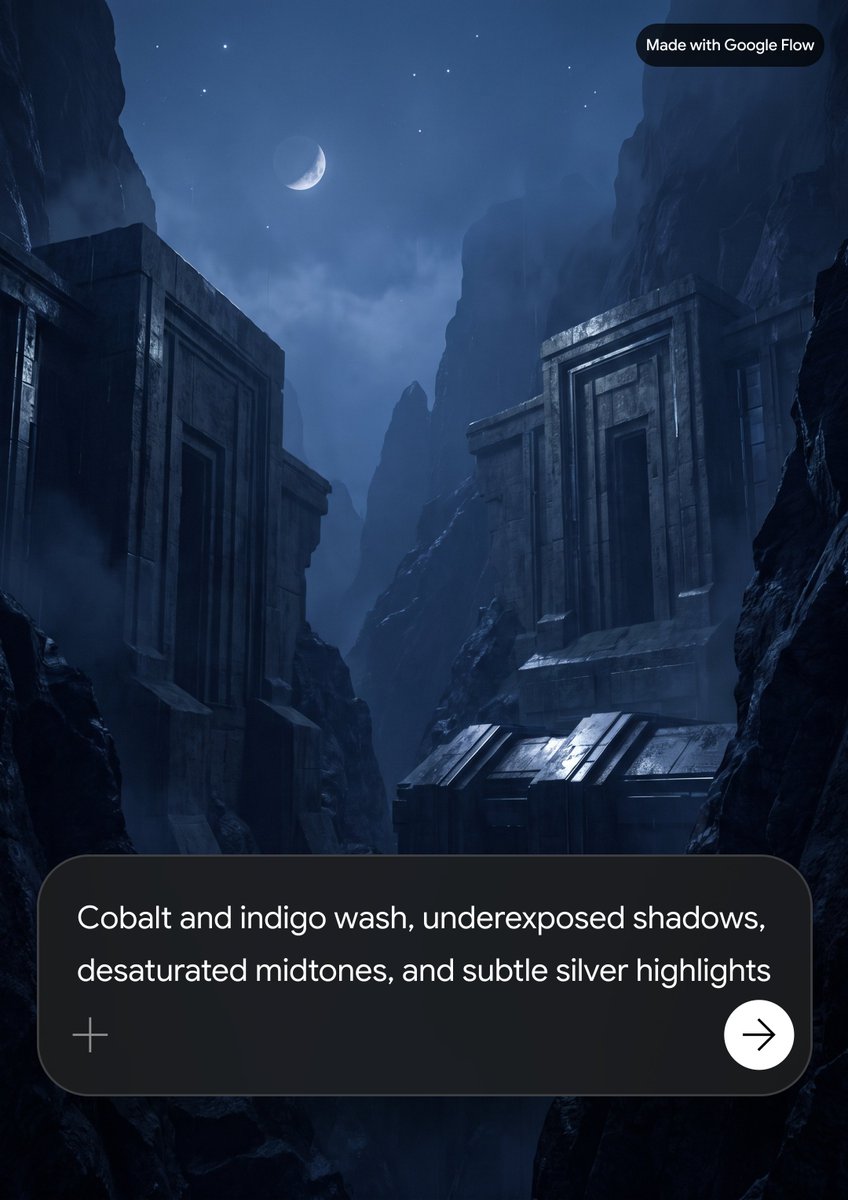
    Creating a fully immersive world happens with your color grading. Get the color grading shown in each setting by using the corresponding prompt keywords shown. Which is your favor…

  4. #4

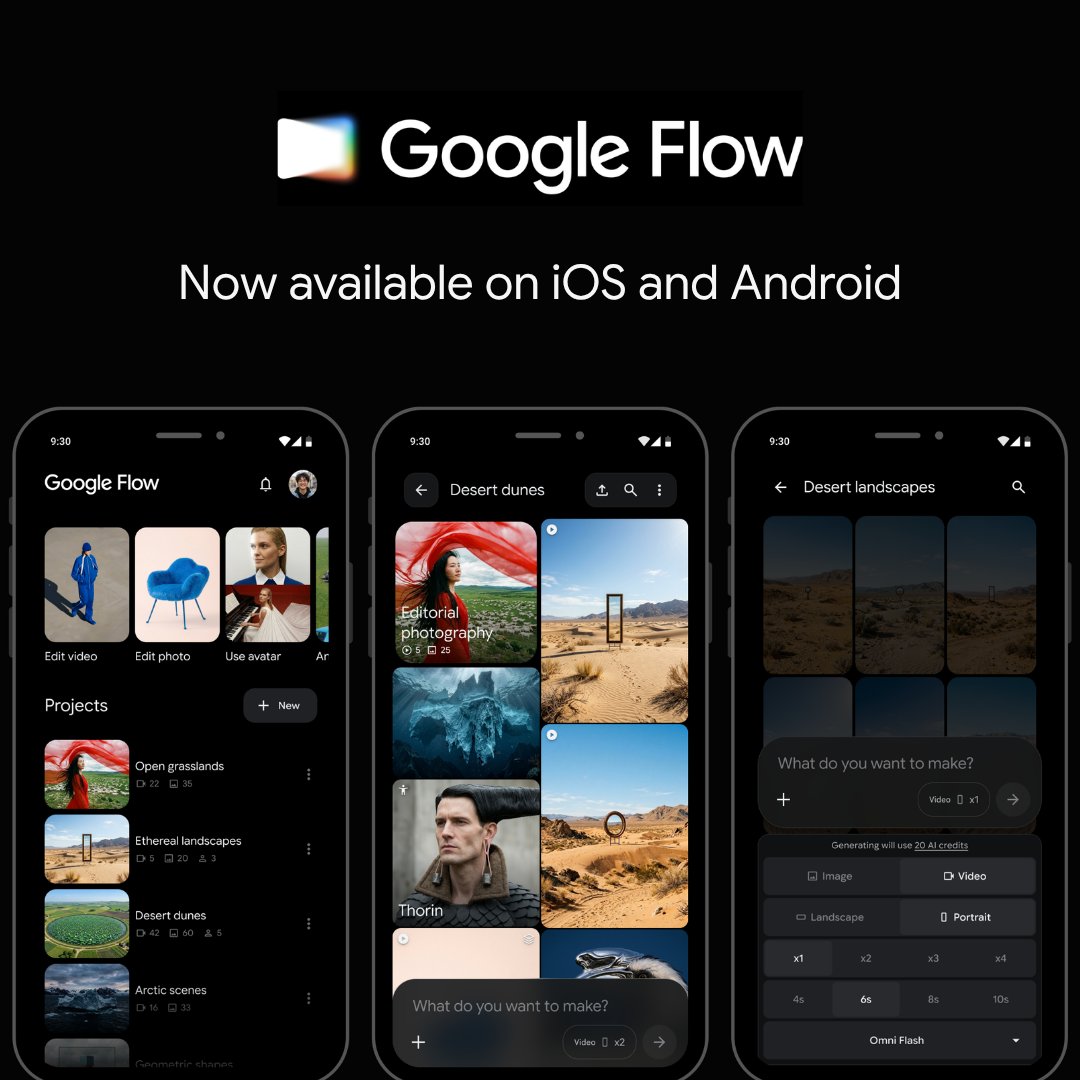
    You’ve been asking, we’ve been building! Google Flow is now available on iOS. It’s now easier than ever to pull inspiration from your camera roll or photos and videos captured in…

  5. #5

    Google Flow. Here’s the workflow: Image: Start with a "first-person perspective POV" prompt. Add specific visual style keywords like "early 2000s point and shoot" for a candid, te…

  6. #6

    Sometimes all you need is a beat and an idea… In Google Flow, your video’s audio isn't just background noise, it can be used as part of your prompt. See what happens when we pair…

  7. #7

    Some fun use cases for Omni 1.1 ⬇️

  8. #8

    Big news for student creators 👀 With Google Flow, you can create things like event flyers, presentation graphics, cool headshots, or possibly even the next viral rush video. And n…

  9. #9

    Do more than just generate an image in Google Flow. Edit, refine, adjust angles, add formatted text, and then bring it all to life with video. A quick breakdown of the workflow: -…

  10. #10

    With first and last frames now available in Omni 1.1 Flash on desktop, you can explore smooth transitional effects. For example, set your first and last frames to the same image t…

  11. #11

    Omni 1.1 Flash is now in Google Flow, giving you even more creative control over your vision. Here’s what’s new: Introducing end frames to Omni 1.1 Flash on desktop: Direct how yo…

  12. #12

    If you want your Google Flow creations to maintain the same look and feel, start by defining your visual style. Here’s a workflow to try: 1. DEFINE THE STYLE: First, establish the…

  13. #13

    此帖子没有可显示的文字。